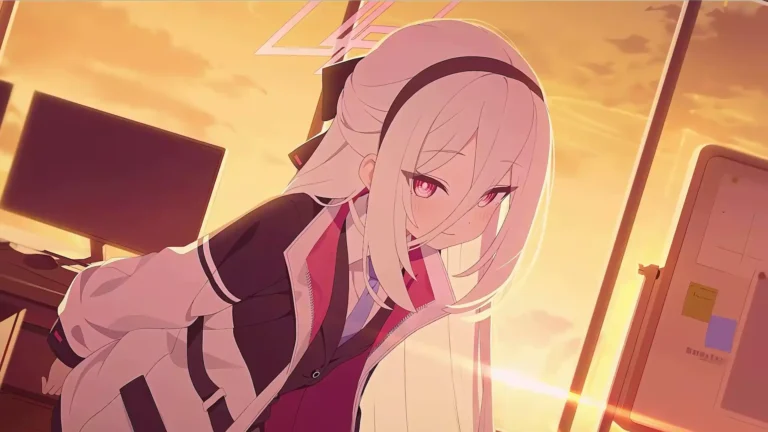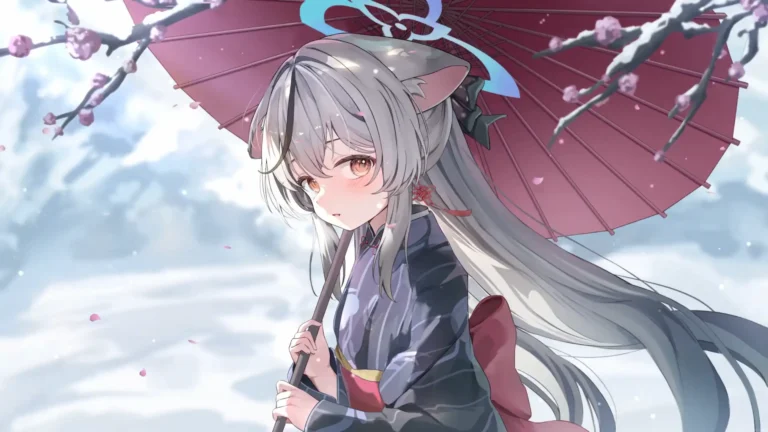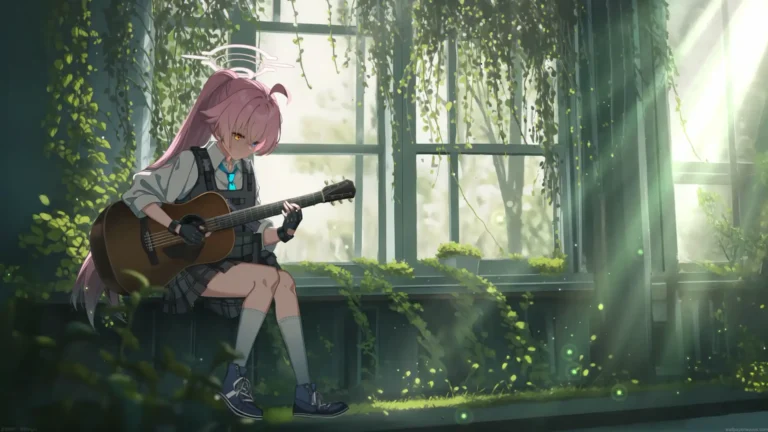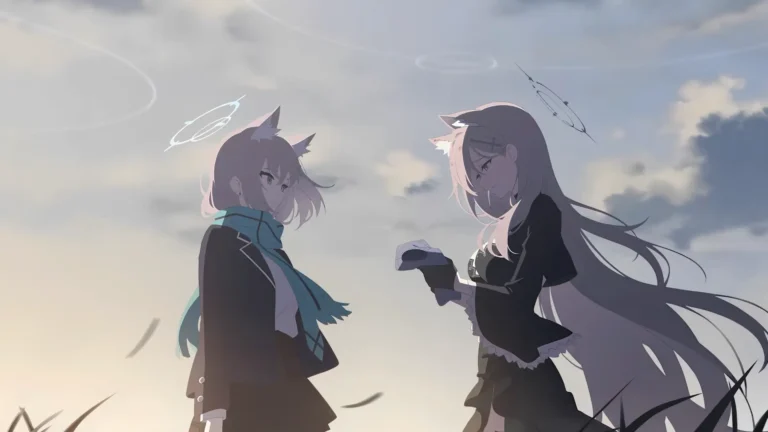
Hoshino Blue Archive Windows 11 Live Wallpaper
Explore Collections
Download this Hoshino Blue Archive Windows 11 Live Wallpaper and bring adorable anime charm to your desktop with a playful Windows-inspired aesthetic. Featuring the lovable Hoshino in an irresistibly cute chibi style, this wallpaper places her alongside the iconic Windows 11 blue bloom, creating a clean and modern desktop that blends anime personality with minimalist design. Her sleepy expression, mismatched eyes, fluffy cat ears, and playful pose add warmth and character to the elegant Windows backdrop.
This wallpaper is perfect for Blue Archive fans, anime lovers, and Windows customization enthusiasts looking for a fun yet uncluttered desktop. The soft pastel colors, smooth gradients, and iconic Windows 11 visual style create a relaxing atmosphere while Hoshino’s charming presence adds a delightful touch of personality without overwhelming the clean interface.
Every subtle animation, gentle movement, and polished visual effect enhances the desktop experience while preserving the sleek look of Windows 11. Blending modern UI design with Blue Archive’s signature cuteness, this live wallpaper offers the perfect balance between productivity and playful anime vibes for everyday use.
❝ Even the calmest desktop deserves a little dose of cuteness. 💙🐾✨ ❞
(Warning: May cause frequent smiling and an uncontrollable urge to collect more Blue Archive wallpapers.)
Download your live wallpaper and follow these quick steps to set it on your device.
Windows PC
- Download your live wallpaper as an MP4 file.
- Install Lively Wallpaper (free) or use Wallpaper Engine.
- Import the MP4 into the application and apply it as your desktop wallpaper.
macOS
- Download your favorite live wallpaper as an MP4 file.
- Install iWallpaper from the Mac App Store.
- Open My Uploads, upload your MP4 and select Set as wallpaper.
Android
- Download the live wallpaper MP4 to your phone.
- Install Wallpaper Engine from Google Play.
- Import the video and apply it as your home screen wallpaper.
Is this live wallpaper free?
Yes! Hoshino Blue Archive Windows 11 Live Wallpaper is available as a free MP4 download without registration. Personal use is subject to the applicable content rights.
How do I set this live wallpaper?
Download the MP4 file and import it into a compatible live wallpaper application on your device.
What resolution is this wallpaper?
Hoshino Blue Archive Windows 11 Live Wallpaper is listed in 3840x2160 resolution.
Will a live wallpaper slow down my computer?
Live wallpapers use some system resources. Performance depends on your device, video resolution, and wallpaper application. Some applications can pause playback while games or fullscreen programs are running.
Can I use this wallpaper on Windows, Mac, or Android?
MP4 live wallpapers can work on Windows, macOS, and Android with compatible software. Follow the appropriate guide for your device.